# Four Months Without Google Workspace
> What does a security company run on after leaving Google Workspace, and what still breaks four months in?
- Canonical: https://ack3.ai/research/four-months-without-google-workspace/
- Published: November 4, 2026
- Authors: Jan Kalivoda, Josef Gattermayer
- Category: Technical guide
- Topics: privacy, security, developer-tooling
Like most startups, ack3 ran on Google Workspace: mail, calendars, shared documents, meetings, groups, and Google sign-in for every other tool. Four months ago we moved the company off it. This is what we chose, what has worked, and what has not.
We gave this as a talk at Devcon 8; the full recording is on YouTube.
## Why we left
The tools a company picks decide where its employees', contractors' and clients' data lives, and as a security company we wanted to make that choice deliberately rather than inherit a default. The constraint pointed the other way: client security work leaves no time to run an office suite. AI makes self-hosting easier to start, not cheaper to keep running. The aim was to keep the comfort of a managed suite and change the provider behind it.
## The threat model came first
Which tool fits depends on what needs protecting, from whom, and at what cost. An organisation exposed to state pressure or jurisdictional risk, or one whose continuity matters to a wider ecosystem, may need self-hosted infrastructure with audits and a team to run it. For a small company with a low risk of a targeted shutdown, uptime and low operating overhead weigh more, and managed privacy-first services fit. In both cases backups have to live outside the primary provider, and restores have to be tested.
## The options
There is more than one way out. These are alternatives by job, a menu rather than a stack to adopt:
| Job | Hosted | Self-hostable |
| --- | --- | --- |
| Mail and calendar | Tuta, mailbox.org, kSuite | mailcow, Stalwart |
| Files and documents | Tresorit, kSuite, mailbox.org, Fileverse (beta) | Nextcloud, CryptPad |
| Passwords | 1Password | Bitwarden, KeePassXC (local vault) |
| Meetings | Whereby, kMeet, mailbox.org | Jitsi Meet, Element Call, Nextcloud Talk |
| Identity and groups | Okta | authentik, Keycloak, ZITADEL |
## What we chose
Fewer services and less to manage: one suite, [Proton Workspace](https://proton.me/business). It covers mail and calendar, Drive and Docs, Pass, Meet, and one organisation console for users and groups.
## Four months in
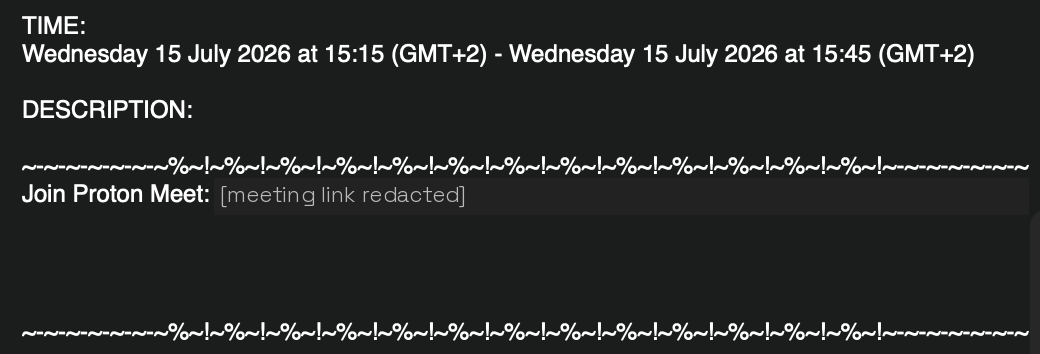
**Mail and calendar.** We kept our domain, aliases work, mail and calendar sync into other apps, and booking slots work. Two invitation paths fail: an invite sent to a company group arrives as an email but never appears in the calendar, and an invite whose email goes unanswered does not appear in it either.
An invitation sent to a company group arrives as this email and never reaches the calendar.
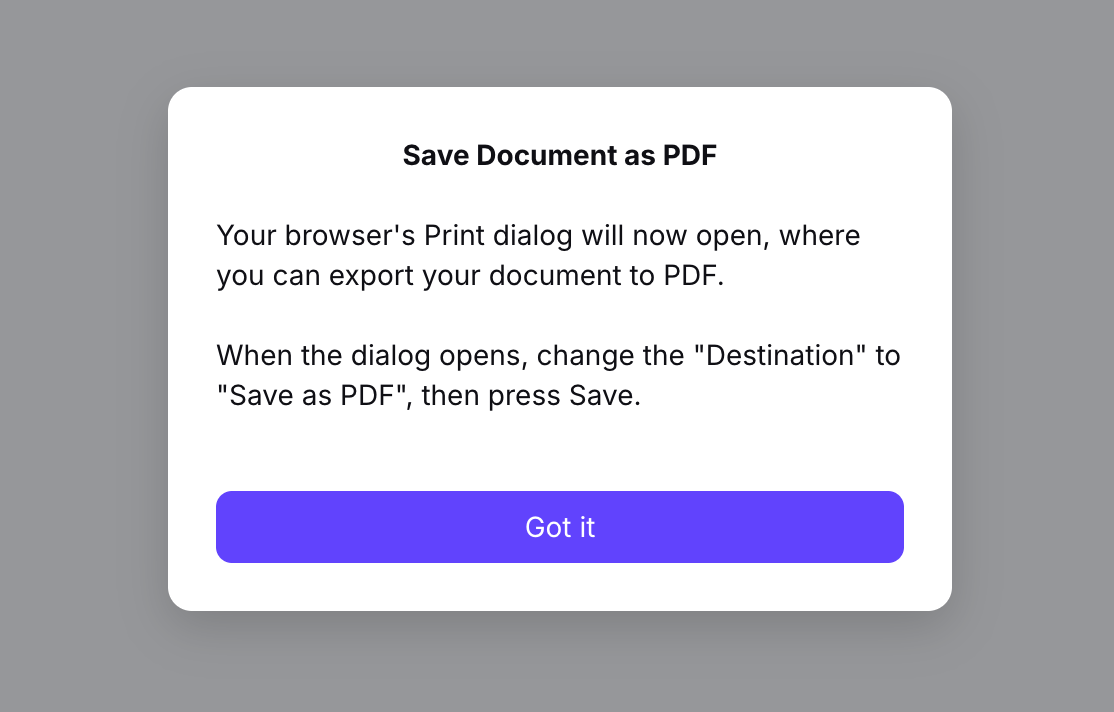
**Files and documents.** Fine for simple work. Getting a PDF out of a document took the browser's print dialog, and Docs and Sheets have no documented API for their content. Drive files do, through the official [CLI](https://proton.me/support/drive-cli).
Exporting a document to PDF in Proton Docs goes through the browser print dialog.
**Passwords.** The strongest part. Proton Pass is a good product, its [CLI](https://github.com/protonpass/pass-cli) lets agents work with the vault, and access is managed through the same groups as everything else.
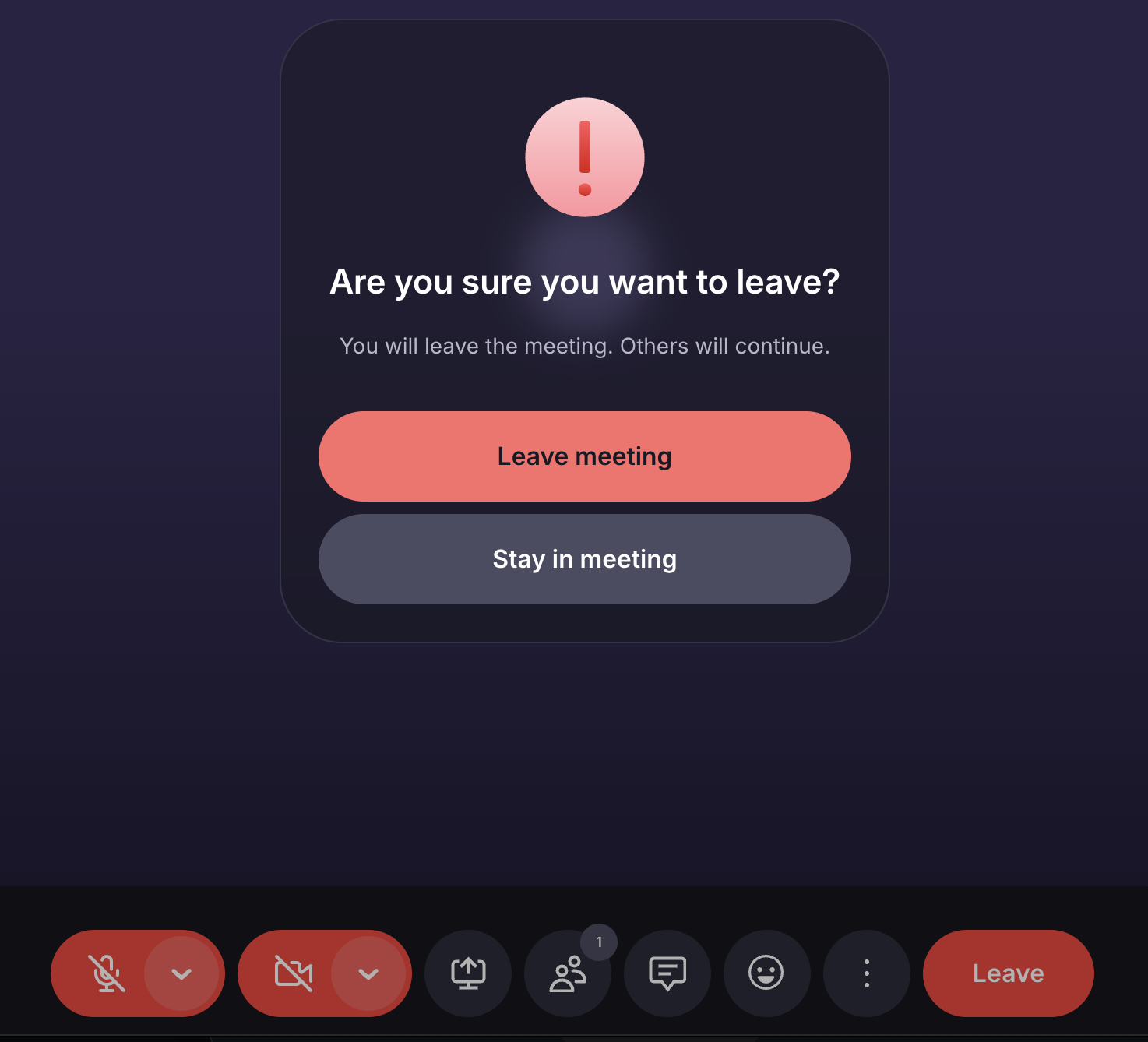
**Meetings.** Better than expected: background blur, reactions, chat, smooth screen sharing, a mobile app, and no trouble joining calls. The meeting dashboard needs work, and leaving a call feels like quitting Vim.
Leaving a Proton Meet call: the Leave button opens a confirmation first.
**Users and groups.** One console for people and groups, with three [admin roles](https://proton.me/support/admin-roles): organisation, user and security. Every service outside Proton still needs its own access setup.
## The inbox is not the login
Google bundled two layers that moving away separates. Mail is a domain, a provider that delivers it, and mailboxes. Identity is people and teams, an identity provider that handles login and groups, and accounts in every other service. The same address in both does not make them one account, and every tool that only offered "Sign in with Google" keeps a Google dependency after the mailbox has moved.
Proton [accepts SAML sign-in](https://proton.me/support/pass-set-up-sso) from an external identity provider for some of its services, but it is not an identity provider for the rest of the stack. That role belongs to a managed provider such as Okta or a self-hosted one such as authentik or Keycloak, and single sign-on works only where a service supports that provider directly or accepts a customer-configured SAML or OpenID Connect provider. Joining and leaving then follow the directory: adding someone to a team group creates accounts and roles where apps support provisioning, and disabling them still leaves sessions, tokens and owned data for a checklist.
## Fewer services, not only different ones
Reviewing what we actually used removed more than Google. [Fileverse](https://fileverse.io/) is the Notion alternative we use. Many small tools no longer need another SaaS login: with AI-assisted development and open-source building blocks, we run our own code from GitHub, which is how our decks are built in [Marp](https://marp.app/) and our videos in [Manim](https://www.manim.community/). A small tool is self-hosted only while its upkeep stays small.
Providers fail regardless of their privacy model. On 20 October, a [power event in Google Cloud's London region](https://status.cloud.google.com/incidents/Xs2XTHzAVC9YnafnPyzj) took down Revolut's [cards, transfers and sign-in](https://www.independent.co.uk/tech/revolut-google-halifax-london-emma-b3069786.html). Privacy-first tools do not prevent that; independent backups and a tested restore do.
## Banking
Banking was the provider hardest to replace. We use [HEVN](https://gethevn.com/): it accepts stablecoin payments, issues invoices, and tracks whether each invoice has been paid, in stablecoins or by wire.
## The cloud: GCP to Cloudflare
Leaving the office suite still left Google Cloud. Our audit orchestrator, [Swarm](/research/swarm-shared-research-for-audit-agents/), needed cloud-native services, development that agents can drive, and a target of production deploys under five seconds. We built it on Cloudflare, which most people know as the orange cloud in their DNS settings.
| Job in Swarm | Cloudflare | GCP equivalent |
| --- | --- | --- |
| API and dashboard | Workers | Cloud Run services |
| Audit stages | Workflows | Workflows |
| Run reservations | Durable Objects | Firestore transactions |
| Agent execution | Containers and Sandbox SDK | Cloud Run jobs |
| Evidence and records | R2 and D1 | Cloud Storage and Cloud SQL |
What worked: a light platform with no infrastructure of our own to maintain, agents operate all of it through [Wrangler](https://developers.cloudflare.com/workers/wrangler/) and the APIs, and a [tunnel](https://developers.cloudflare.com/cloudflare-one/networks/connectors/cloudflare-tunnel/use-cases/ssh/ssh-cloudflared-authentication/) reaches our local models with no inbound ports open. What did not: our original container setup could not pin a whole audit runtime to one version, before per-instance image pinning [arrived on 30 September](https://blog.cloudflare.com/faster-agent-sandboxes/), and D1 and R2 administration is [account-wide](https://developers.cloudflare.com/fundamentals/api/reference/permissions/), so production runs in its own Cloudflare account.
## Four months on Proton
No added process or management overhead, no uptime issues so far, a good experience for people inside and outside the company, and features that ship quickly. The cost is integrations: fewer of them, and invitations sent to a company group that still never reach the calendar.