Research journal · Technical guide
How to Review Unfamiliar Repositories Without Trusting Them
A staged workflow for reviewing unfamiliar repositories with AI agents using read-only mounts, no credentials, restricted networks, and disposable sandboxes.
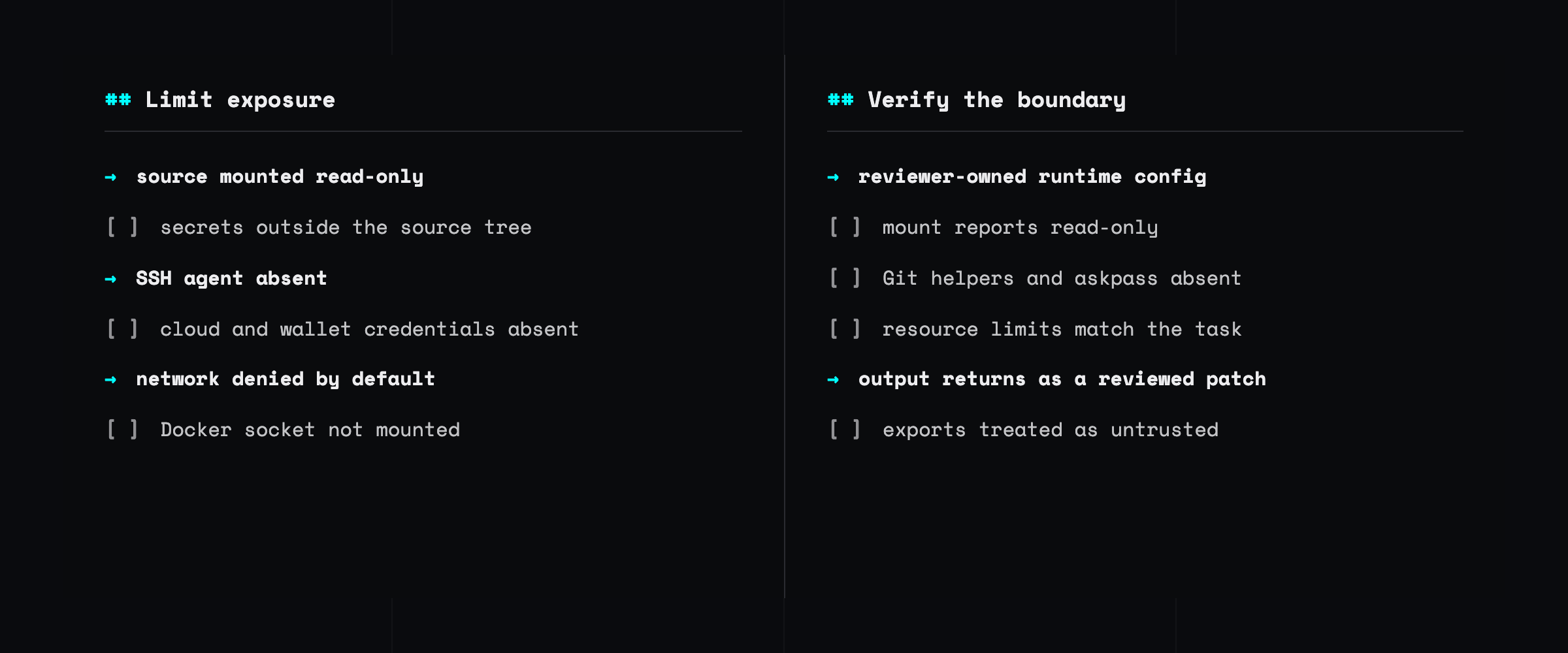
An unfamiliar repository is not only source code. It may contain instructions for package managers, editors, language servers, Git, containers, and AI coding agents. Reading those files as text and executing what they request are different security decisions.
The useful question is not merely where does the code run? Ask three questions instead: what can it read, what can it change, and where can it connect?
This guide presents a staged first-pass workflow, followed by concrete configurations for a reviewer-owned Dev Container, Docker SBX clone mode, and Apple’s container CLI.
Where execution can begin
Before running anything, inspect the repository for:
- dependency and build scripts in
package.json,pyproject.toml,Makefile, and similar files; - editor tasks, settings, recommended extensions, and debug configurations;
- active Git hooks and repository-local Git configuration;
Dockerfile, Compose, Dev Container, and CI configuration;- agent instructions such as
AGENTS.md,CLAUDE.md, and Copilot instruction files; and - commands that request the Docker socket, SSH agent, host home, credentials, or broad writable mounts.
Agent instruction files are not executable by themselves, but they can influence an agent that is allowed to execute commands. Treat them as untrusted input.
Install commands deserve particular attention. A line such as:
curl -LsSf https://example.com/install.sh | shdownloads code and executes it immediately with the current user’s permissions. Saving a script before running it is better, but it does not make a mutable URL reproducible. A server can return different content based on the request, and an AI assistant can invent a plausible package or install URL. Prefer signed, versioned packages or a pinned artifact whose digest you verify.
Use a staged first look
Do not jump directly from a GitHub URL to installing dependencies on your workstation.
- Read in the web interface. Inspect the top-level tree, documentation, manifests, automation, and agent instructions without cloning or executing anything.
- Search locally without trust. If you need
rg, symbol navigation, or cross-file comparison, use an editor’s restricted mode or a read-only checkout. - Choose an execution boundary. Before installing dependencies, starting a language server, running tests, or enabling an agent, move the work into an isolated environment.
- Review what comes back. Treat patches, commits, generated files, logs, and terminal output as untrusted exports.
VS Code Restricted Mode reduces automatic execution of tasks, debugging, and many workspace-driven features. It is an editor policy, not an operating-system boundary. Once tools can execute commands, use a container, microVM, disposable remote VM, or separate machine.
Choose the boundary before the product
| Option | Boundary | Source handling | Best first use |
|---|---|---|---|
| Restricted Mode | Editor policy | Host folder | Static reading |
| Reviewer-owned Dev Container | Container runtime | Read-only host mount | Offline inspection with familiar tools |
Docker SBX --clone | Per-sandbox microVM | Private clone; original is read-only | More autonomous work |
Apple container | Per-container lightweight VM | Read-only host mount | Apple-silicon Macs |
| Disposable remote VM | Separate machine | Fresh clone or copied snapshot | Hostile or high-value targets |
A stronger boundary does not compensate for a bad mount. A microVM that receives your home directory, funded wallet, cloud credentials, or SSH agent may still give unfamiliar code the authority you intended to contain.
Four rules that survive every tool choice
Keep secrets outside the source tree
A read-only mount still allows reads. Ignored and untracked files are often exposed with the rest of a checkout, including .env files, local configuration, signing material, test mnemonics, and cached credentials.
Move secrets outside the repository before mounting it. Do not assume .gitignore is a confidentiality boundary.
Start without credentials
Do not forward the SSH agent or mount cloud, wallet, signing, package-registry, or API credentials for a first pass. Short-lived credentials are safer when a later task genuinely needs access, but the safest initial credential is none.
Start without network access
Add only the destinations the task needs. Network access turns readable source and credentials into potential exfiltration paths. A deny-by-default policy also makes dependency installation an explicit, reviewable step.
Treat output as untrusted
Review commits and patches before applying them. Inspect generated binaries, archives, terminal escape sequences, symlinks, and copied artifacts before moving them into a trusted workspace.
A Dev Container the repository does not control
A repository’s .devcontainer/devcontainer.json is part of the untrusted input. The Dev Container specification permits host-side initialization, lifecycle commands, mounts, capabilities, environment variables, and privileged mode.
For the first pass, keep both the image definition and devcontainer.json outside the target repository.
Use a reviewer-owned image
Build a minimal Containerfile you control:
FROM ubuntu:24.04@sha256:4fbb8e6a8395de5a7550b33509421a2bafbc0aab6c06ba2cef9ebffbc7092d90

RUN apt-get update \
    && DEBIAN_FRONTEND=noninteractive \
       apt-get install -y --no-install-recommends git python3 ripgrep \
    && rm -rf /var/lib/apt/lists/*

WORKDIR /workspace
USER ubuntu
The digest pins the base image for a platform, but the unversioned Apt packages still come from moving repositories. Snapshot or pin them too when you need a fully repeatable build, and refresh those pins intentionally.
Put the policy outside the repository
Store this devcontainer.json beside the trusted Containerfile:
{
  "build": { "dockerfile": "Containerfile", "context": "." },
  "containerUser": "ubuntu",
  "remoteUser": "ubuntu",
  "workspaceMount": "source=${localWorkspaceFolder},target=/workspace,type=bind,readonly",
  "workspaceFolder": "/workspace",
  "containerEnv": {
    "GIT_CONFIG_GLOBAL": "/dev/null",
    "GIT_CONFIG_NOSYSTEM": "1"
  },
  "runArgs": [
    "--cap-drop=ALL",
    "--security-opt=no-new-privileges=true",
    "--pids-limit=256",
    "--memory=2g",
    "--cpus=2"
  ]
}
Run it from the exact repository root so ${localWorkspaceFolder} resolves to the intended directory:
cd /path/to/repository
unset SSH_AUTH_SOCK
devcontainer up --config ~/trusted-review/devcontainer.json
Copy the containerId from the command’s output, then enter and eventually remove the container:
CONTAINER_ID=the-id-printed-by-devcontainer-up
docker exec -it "$CONTAINER_ID" bash
docker rm -f "$CONTAINER_ID"
The target repository is not the image build context or configuration source. It is mounted read-only, commands run as an unprivileged user, capabilities are dropped, privilege escalation is disabled, and CPU, memory, and process count are bounded.
Verify the intended boundary from inside the guest:
findmnt /workspace
printenv SSH_AUTH_SOCK
The workspace should report ro; the second command should print nothing. These checks make configuration mistakes visible. They are not proof that the container runtime or host kernel has no vulnerabilities.
Attach the editor only as a separate decision
VS Code documents that its Dev Containers extension can copy local Git configuration, reuse credential helpers, and forward an SSH agent. Attaching the editor can therefore widen the credential boundary.
If you attach later, inspect SSH_AUTH_SOCK, Git credential helpers, and askpass variables again from the attached terminal.
Know what the container does not solve
A read-only mount protects the host checkout from writes; it does not make the source secret. Everything below the mounted directory remains readable.
Containers also share the host kernel. Resource flags bound CPU, memory, and process count, but the baseline above does not bound every form of disk or log growth. For hostile execution or an agent that needs substantial autonomy, use a disposable environment with a stronger boundary.
Docker SBX: use clone mode
Docker SBX runs each sandbox in a microVM. The security-relevant distinction is its Git workspace mode.
Direct mode is the default and exposes the host working tree read-write. Clone mode, enabled with --clone, creates a private writable clone inside the sandbox and exposes the original Git root read-only at /run/sandbox/source.
On a fresh installation, initialize an offline-first network policy:
env -u SSH_AUTH_SOCK sbx policy init deny-allDo not reinitialize an existing installation blindly; inspect its current policy first. A deny-all policy also blocks model APIs until you add reviewed rules.
Create the sandbox from the repository root:
cd /path/to/repository
env -u SSH_AUTH_SOCK sbx run --clone --name review shell
The --clone flag is the boundary: without it, the default workspace is a read-write host mount. Docker’s usage guide and isolation documentation describe the behavior in detail.
The read-only source mount still includes ignored and untracked files. Move secrets out of the repository tree first.
Check the mount and agent state:
sbx exec review findmnt /run/sandbox/source
sbx exec review printenv SSH_AUTH_SOCK
If an already-running SBX daemon inherited the SSH agent, unsetting the variable only for sbx run is insufficient. Restart the daemon without that variable.
Preserve any wanted work, then remove the sandbox:
sbx rm reviewRemoving a clone-mode sandbox drops its private clone, so fetch or push reviewed commits before removal.
Apple container: mount the source read-only
Apple’s container CLI runs Linux containers in lightweight virtual machines on Apple silicon. For a short first look, create an internal network and mount the source read-only:
cd /path/to/repository
container network create --internal review-net
container run -d --name review --network review-net --no-dns \
  --mount type=virtiofs,source=$PWD,target=/workspace,readonly \
  ubuntu:24.04 sleep infinity
container exec -it -w /workspace review bash
The readonly VirtioFS mount protects the host checkout from writes, but the guest sees the whole working tree: .git, hooks, local Git configuration, submodule contents, ignored files, and untracked files.
Do not run Git in the guest against the untrusted host .git. If you need to keep edits, add a second writable mount dedicated to output, for example:
--mount type=virtiofs,source=$PWD/out,target=/workspace/outWhen finished:
container rm -f review
container network rm review-net
This is a discovery profile, not a complete hardened environment. The guest root filesystem remains writable, and the example does not set CPU, memory, capability, or disk limits. The internal network is host-only rather than fully networkless, so do not expose sensitive host services to it.
A practical decision rule
Use Restricted Mode for reading, a reviewer-owned Dev Container for familiar offline tooling, and a microVM or disposable remote machine when an agent needs to install, build, or execute unfamiliar code autonomously.
Whichever product you choose, verify the boundary before execution:
- the intended source mount is read-only;
- no home, Docker socket, credential directory, or SSH agent is exposed;
- network access starts denied or narrowly allowlisted;
- resource limits match the task; and
- work returns as a reviewable commit, patch, or dedicated output directory.
Isolation is not a product checkbox. It is the explicit control of read authority, write authority, network reach, and the path by which output comes back.
Commands were checked against Dev Container CLI 0.87.0, Docker SBX 0.35.0, and Apple
container1.1.0 on July 13, 2026. Review current vendor documentation before reusing version-sensitive commands.
Contributor
About the author.
Continue reading
Related research.
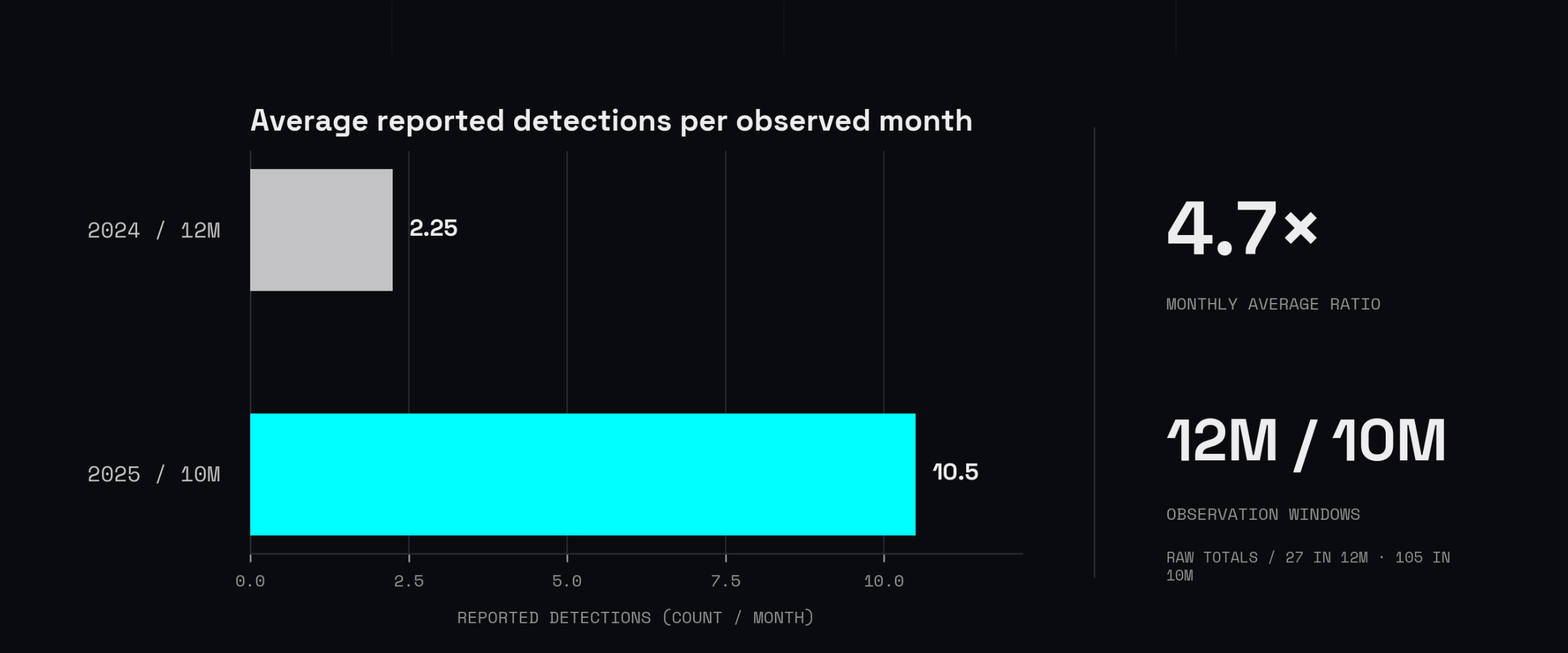
VS Code extensions run with your permissions while installs and badges are weak trust signals. Learn how to audit, pin, allowlist, and contain them.
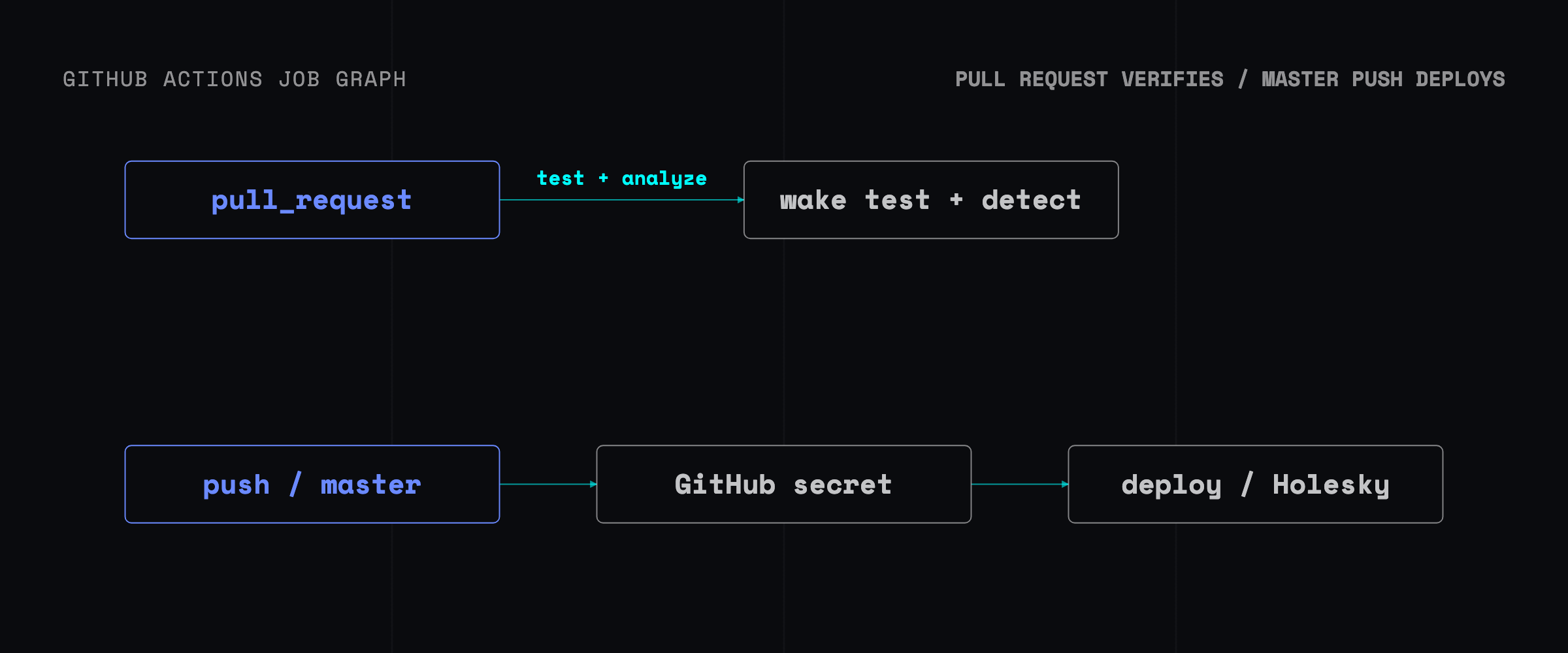
So you want to write and deploy a smart contract, huh? Let’s set up this environment for a sample project from scratch
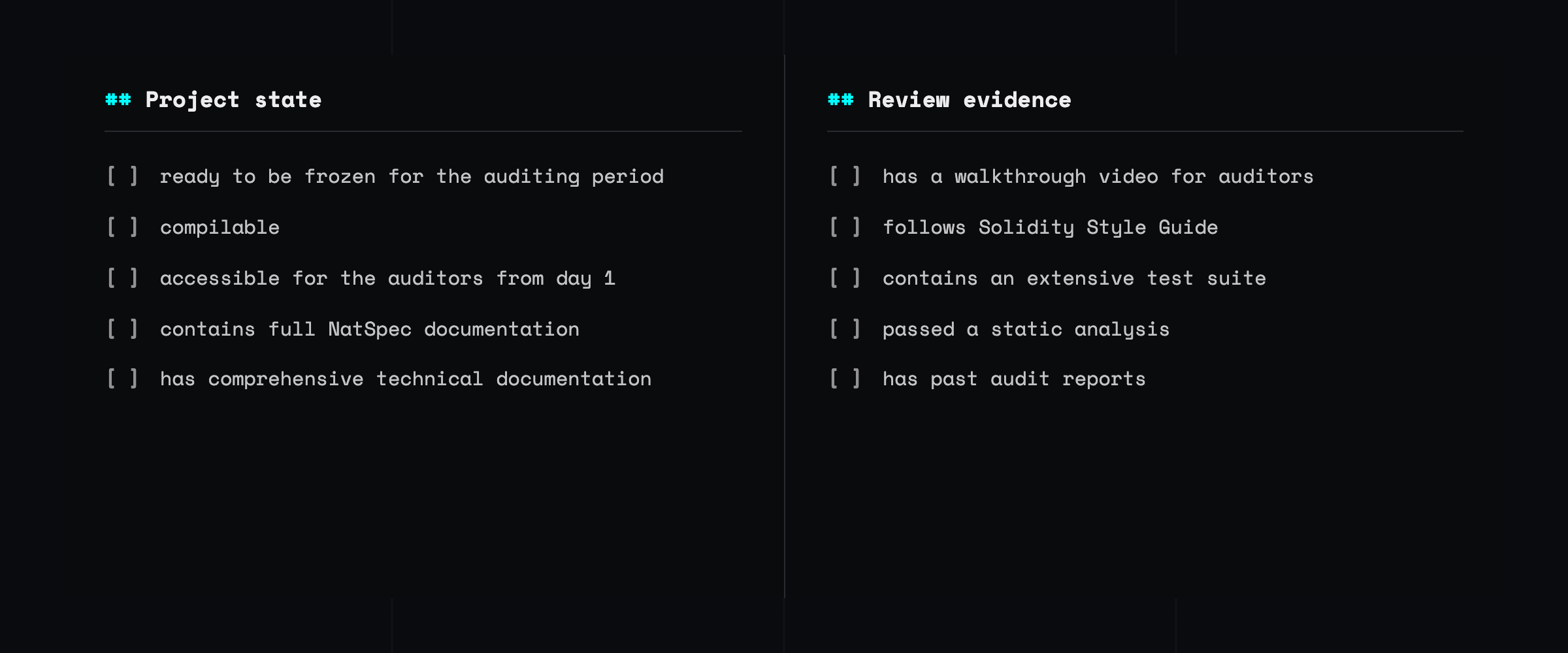
How to prepare for a smart contract audit The pre-audit part is essential for a smooth audit, and we will now guide you through it.